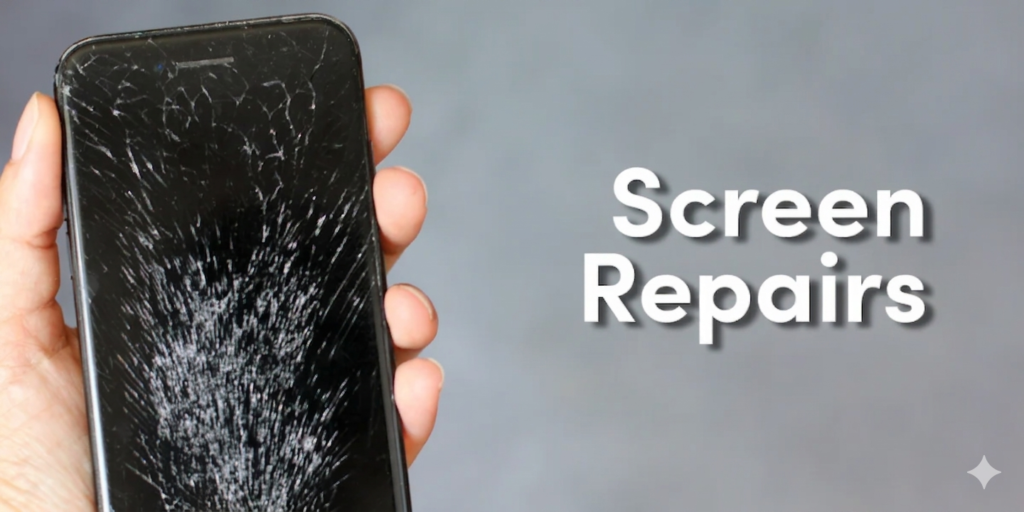
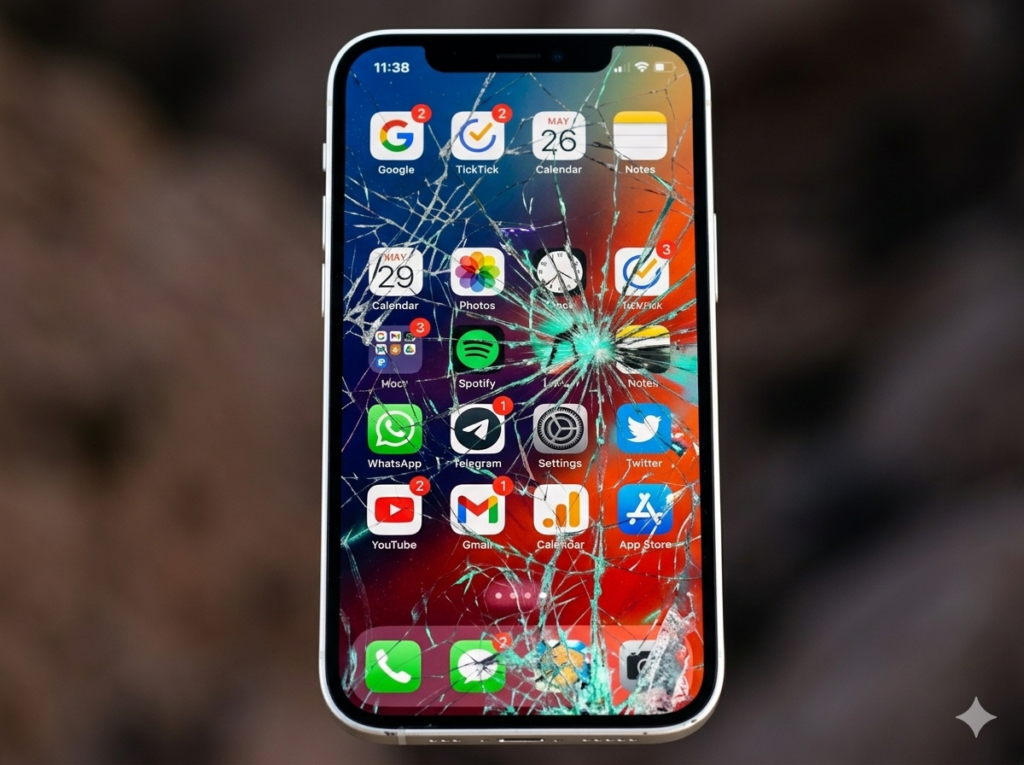
A cracked phone screen is a common problem. It happens fast and it feels frustrating. One small slip can damage your phone in seconds.
Most of the time, screens break due to drops, pressure, or sudden accidents. Even a small hit can create lines, cracks, or touch issues that grow over time.
In thisarticle , you will learn simple and clear ways to understand the damage, explore possible fixes, and choose the right repair option for your phone.
Have you ever picked up your phone and noticed a crack that wasn’t there before?
Understanding the Damage
Light Cracks vs Deep Cracks
- Small surface cracks stay only on the outer glass layer
- Deep cracks go through the full screen and affect display quality
- Light cracks are usually thin and less visible at first
- Deep cracks spread faster and can make the screen harder to use
Touch and Display Issues
- The phone screen may still turn on and look normal in some areas
- Touch may stop working in certain parts of the screen
- Black spots can appear and slowly grow over time
- Vertical or horizontal lines may show on the display
Can You Still Use a Cracked Screen?
Safety risks (glass cuts)
- Cracked glass can cut your fingers while using the phone
- Small cracks can feel sharp when you swipe the screen
- The risk increases if the cracks spread over time
Touch problems over time
- The screen may work normally at first
- Touch can become slow or stop working in some areas later
- Cracks can slowly affect display response
Dust and water entering phone
- Cracks allow dust to enter inside the phone
- Small water drops can damage internal parts
- This can lead to bigger repair problems later
Short-term vs long-term use
- Short-term use is possible if the damage is minor
- Long-term use can make the screen worse
- Delaying repair often increases repair cost and damage severity
Example:
A phone with a cracked screen may still work fine for calls and apps at first. But after a few weeks, the cracks can spread. Touch may stop working in some areas, and dust can enter through the broken glass, slowly damaging the display and internal parts.
Temporary Fixes at Home
Using screen protector
A screen protector can help protect your cracked phone screen from further damage. It adds a thin layer on top of the broken glass. This layer reduces sharp edges and makes the screen safer to use.
It also helps stop small cracks from spreading quickly. It is not a permanent fix but useful for short-term safety.
Key Points:
- Stops cracks from spreading
- Makes screen safer to touch
- Adds a thin protective layer on top of the broken glass
Example:
If your phone has small cracks, adding a tempered glass protector can help hold the broken pieces together. It reduces sharp edges and gives you safer daily use until repair.
Clear tape method (emergency use)
Clear tape can be used as a quick emergency solution for a cracked screen. It covers sharp glass edges and reduces the risk of cuts. This method is only for very short-term use.
It does not repair the screen or improve display quality. It is useful when no repair option is available immediately.
Key Points:
- Works only as a very short-term fix
- Covers sharp edges of cracked glass
- Helps avoid finger cuts during use
Example:
If your screen cracks suddenly and no repair shop is open, you can place clear tape over the screen. It does not fix the damage but can help you use the phone safely for a short time.
Backup your data
Backing up your data is very important when your screen is cracked. A damaged screen can stop working anytime without warning. You may lose photos, videos, and contacts if you are not careful.
Saving your data early keeps your files safe. You can use cloud storage or a memory card for backup.
Key Points:
- Save all photos, videos, and contacts
- Do it before the damage gets worse
- Use cloud storage or a memory card if available
Example:
A phone screen can stop working anytime after cracking. Backing up your data early ensures your important files stay safe even if the phone becomes unusable later.
Tip: Do not press hard on the screen because it can make cracks worse.
Professional Repair Options
Screen replacement
Screen replacement is the most common and permanent solution for a cracked phone. In this process, the full display unit is removed and replaced with a new one.
It restores both touch and display quality. This method gives the best long-term result. It is recommended for serious screen damage.
Key Points:
- Most common and permanent solution
- Full display unit is replaced
- Restores phone to normal working condition
Example:
A technician removes the broken screen and installs a new one. After replacement, the phone looks and works like before.
Cost factors
The cost of screen repair depends on different factors. Phone model is the biggest factor because newer phones are more expensive. Screen type also matters, such as original or copy parts.
Repair shop location can also change the price. Better quality parts usually cost more but last longer.
Key Points:
- Phone model (newer phones cost more)
- Original vs copy screen quality
- Repair shop location and service quality
Example:
An iPhone screen repair usually costs more than many Android phones because original parts are expensive and more delicate.
Repair time
Screen repair usually does not take much time. Most simple replacements are done within 30 minutes to a few hours. Time depends on damage level and shop workload.
If internal damage exists, it may take longer. Quick repair is possible in most normal cases.
Key Points:
- Usually takes 30 minutes to a few hours
- Depends on damage level and shop workload
- Some complex repairs may take longer
Example:
A simple screen replacement can often be done in under one hour at a repair shop, while severe damage may take longer if internal parts are affected.
DIY Screen Repair (Only for Experts)
Basic idea of replacing screen at home
- Remove the damaged screen carefully
- Disconnect internal connectors
- Install a new replacement screen
- Test touch and display before closing phone
Required tools
- Small screwdriver set
- New compatible screen
- Adhesive or glue strip
- Plastic opening tools
Risks of doing it wrong
- Can damage internal parts
- May break new screen during installation
- Touch or display may stop working
- Phone may lose waterproof sealing
Warning
- DIY repair can damage your phone more if done incorrectly
- It is safer to use a professional technician
How to Prevent Future Screen Damage
- Use a strong phone cover
- Apply tempered glass screen protector
- Avoid keeping phone in back pocket
- Do not place phone on hard or unsafe surfaces
Tip: Prevention is cheaper than repair
Common Mistakes People Make
- Ignoring small cracks and delaying repair until damage gets worse
- Using the phone without a screen protector or cover
- Trying DIY screen repairs without proper tools or experience
- Pressing or tapping the cracked screen too hard during use
Conclusion
A cracked phone screen is a common problem, but it should not be ignored. Small cracks can grow and create bigger issues over time. Temporary fixes can help for a short time, but they do not solve the real problem.
The best and safest option is professional screen repair. It restores full display quality and makes the phone work like new again. DIY repairs are risky and can cause more damage if done without skill.
Always protect your phone to avoid future damage. Use a strong cover and tempered glass screen protector. Small care today can save you from costly repairs later.
Would you repair your phone or replace it?
FAQS
Can a cracked phone screen get worse over time?
Yes, cracks usually spread if the screen is not repaired. Pressure, drops, and daily use can make it worse.
Is it safe to use a cracked screen?
It is safe only for a short time. Long use can cause cuts and touch problems.
How much does screen repair cost?
It depends on the phone model, screen type, and repair shop. Newer phones cost more.
Can I fix a cracked screen without replacing it?
No, there is no permanent fix without screen replacement.
How long does repair take?
Most screen repairs take a few hours or less.
What happens if I ignore a cracked screen?
The cracks can spread, and touch or display may stop working over time.
Is DIY screen repair a good idea?
Only for experts. For most people, it can cause more damage.
What is the best solution for a cracked screen?
Professional screen replacement is the safest and most reliable option.