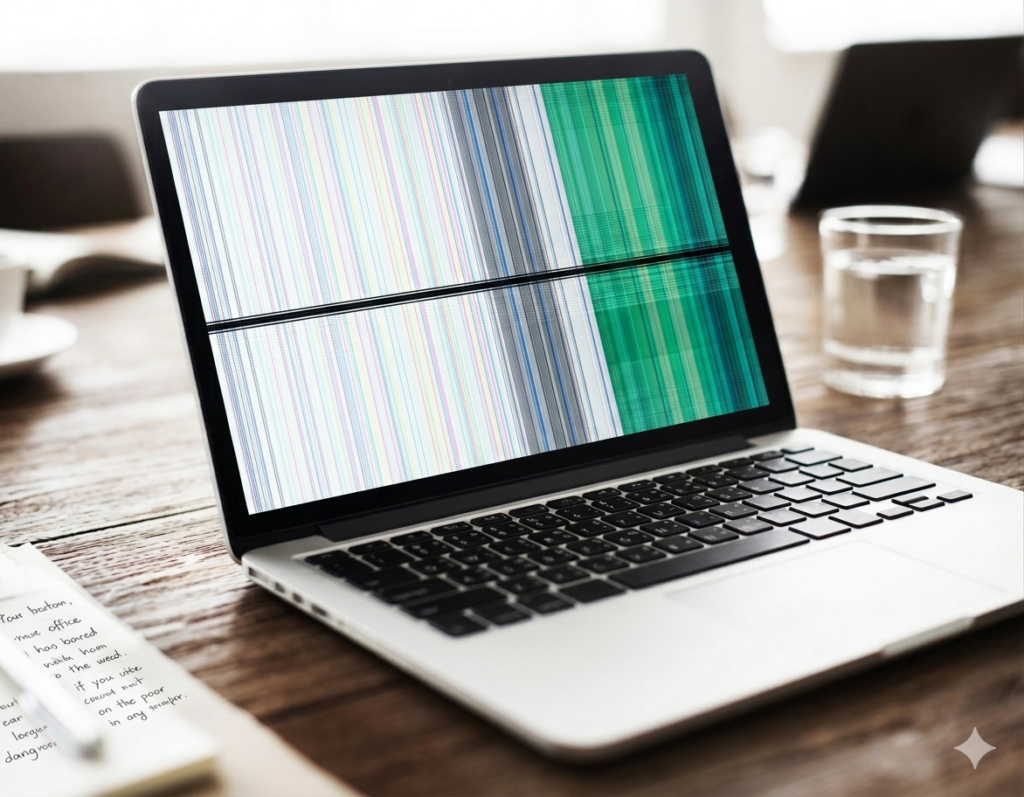
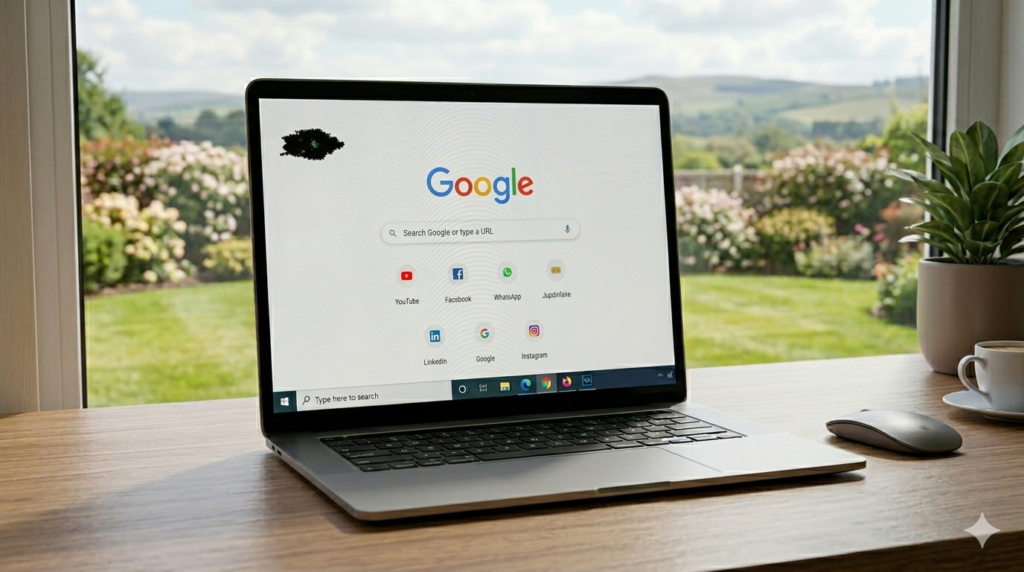
A black spot on a laptop screen is a small dark mark that does not go away. It stays fixed and does not show any color. It can appear suddenly or grow slowly over time. This issue often makes the screen look damaged and unclear.
Many users feel worried when they see it. It can affect work, study, and daily use. The screen does not look normal, and it can be hard to ignore.
In this article, you will learn simple and easy fixes you can try at home. You will also understand when the problem needs repair. Everything is explained in clear steps so you can follow without confusion.
Have you ever noticed a black dot on your laptop screen?
What is a Black Spot on a Laptop Screen?
A black spot on a laptop screen is a dark area that does not show any color. It stays in one place and does not change when you move or refresh the screen. It can make your display look unclear and uneven.
How It Looks
- Small dark dot on the screen
- Large dark patch in some cases
- Stays fixed in one area
- Does not move with images or text
- Can appear suddenly or grow slowly
A simple way to understand it is to think of a tiny ink stain on a glass screen. Just like ink blocks the view in one spot, a black spot blocks the display and makes that area hard to see clearly.
Example
Think of a clear glass with a small ink drop on it. That dark spot stays in one place and blocks the view. A black spot on a laptop screen works the same way.
Main Causes of Black Spots
Dead Pixels
Dead pixels happen when tiny parts of the screen stop working completely. These pixels lose power and cannot show any light or color. They stay black and fixed in one place. This problem often appears in old screens or after screen stress.
Key Points:
- Pixels stop working permanently
- Shows as small black dots
- Does not respond to fixes
- Common in older screens
Stuck Pixels
Stuck pixels freeze on one color and do not change with the screen. They may look bright or odd compared to other areas. This happens due to a small display glitch. In some cases, they can be fixed with pixel tools or videos.
Key Points:
- Stays on one color
- Does not change with display
- Sometimes fixable
- May turn into dead pixels
Physical Damage
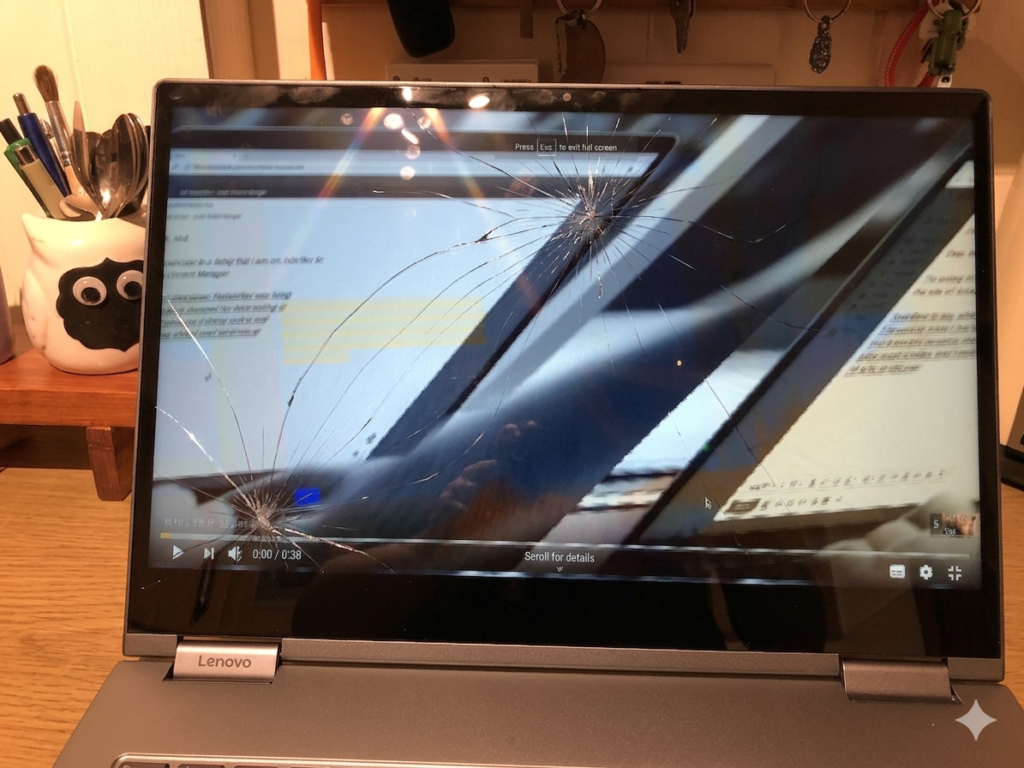
Physical damage happens when the screen gets pressed, dropped, or hit. This breaks internal screen layers and creates black spots. The damage can slowly spread if it is serious. Most of the time, it cannot be fixed without replacing the screen.
Key Points:
- Caused by pressure or drops
- Damages screen layers
- Black spot may grow
- Usually permanent
Liquid or Moisture Damage
Liquid damage happens when water or moisture enters the screen. It affects the inner display parts and blocks normal color flow. This creates dark patches that can spread over time. It often needs repair to fix fully.
Key Points:
- Caused by water exposure
- Affects internal screen parts
- Dark spots may spread
- Needs repair in most cases
Hardware Aging
With time, laptop screens become old and weak. This natural wear can cause small black spots or uneven dark areas. It is more common in laptops used for many years. In such cases, screen replacement may be needed.
Key Points:
- Happens due to long use
- Screen quality decreases
- Common in old laptops
- May need replacement
How to Fix a Black Spot on Laptop Screen ?
Black spots on a laptop screen can sometimes be fixed with simple home steps. . Try these methods step by step to see what works.
Restart Your Laptop
Restarting is the first and easiest fix. It refreshes your system and clears small screen glitches. Many times, a black spot appears only due to a temporary error, and a restart removes it.
Key Points:
- Turn off your laptop and start again
- Wait a few seconds before turning it on
- Fixes small software glitches
- Very quick and easy step
Example:
Sometimes your screen loads wrongly after sleep mode. A restart can bring the display back to normal.
Tip:
Always restart first before trying other fixes. It saves time.
Use Pixel Fix Tools
Some black spots come from stuck pixels. These pixels freeze and do not change color. Pixel fix tools help by flashing fast colors on the screen.
Key Points:
- Use online pixel fixing videos or apps
- Run for 10–30 minutes
- Helps unstuck pixels
- Works for minor issues only
Example:
Fast color-changing videos can “wake up” a stuck pixel and make it responsive again.
Tip:
Run the tool in full screen mode for better results.
Gently Massage the Screen
This method may help if a pixel is stuck due to pressure. Use a soft cloth and apply very light pressure on the black spot while the laptop is off.
Key Points:
- Turn off laptop first
- Use a soft microfiber cloth
- Apply very light pressure only
- Stop immediately if you feel resistance
⚠️ Do not press hard. It can damage the screen.
Example:
It is like gently tapping a stuck switch so it responds again.
Tip:
Only try this if the spot is very small and not spreading.
Update Graphics Drivers
Graphics drivers help your laptop show images correctly. If they are outdated or broken, they can cause display issues like black spots.
Key Points:
- Open device settings
- Update graphics/display drivers
- Restart laptop after update
- Fixes software-related problems
Example:
After a Windows update, the screen may behave strangely. Updating drivers often fixes it.
Tip:
Keep drivers updated regularly to avoid display errors.
Check with External Monitor
This step helps you find the real cause of the problem. Connect your laptop to another screen using an HDMI cable.
Key Points:
- Connect HDMI cable to external monitor
- Compare both screens
- Spot appears on both = software issue
- Spot only on laptop = screen damage
Example:
If your external monitor looks normal but your laptop screen shows a black spot, the screen is damaged.
Tip:
This is the fastest way to confirm whether the issue is hardware or software.
When You Cannot Fix It at Home
Signs of Permanent Damage
- Black spot keeps growing over time
- No change after trying all fixes
- Spot stays the same even after restart
- Pixel tools and updates do not help
- Screen looks damaged or uneven
What to Do Next
- Visit a laptop repair shop
- Ask for screen checking or diagnosis
- Consider screen replacement option
- Do not try more pressure fixes at home
- Back up your data if needed
Prevention Tips
- Do not press or touch the screen too hard
- Use a laptop bag or protective case
- Clean screen gently with soft cloth
- Avoid water, spills, and moisture
- Keep laptop away from heat
- Handle laptop carefully during use and travel
Real-Life Example Section
A user dropped their laptop by mistake while moving it from the table. After that, a small black spot appeared on the screen. At first, they thought it was a simple glitch, so they restarted the laptop and tried pixel fix tools. Nothing changed.
The spot stayed the same and slowly became more visible. After trying all basic fixes, they finally took the laptop to a repair shop. The technician checked it and said the screen was physically damaged from the drop, so it needed a screen replacement.
Conclusion
A black spot on a laptop screen can happen for many reasons. Some are small issues like stuck pixels or software glitches. Some are serious like screen damage or hardware failure. You can try simple fixes first like restarting your laptop, using pixel tools, or updating drivers.
Always start with easy methods at home. These steps can solve minor problems quickly and save time and money. If nothing works and the black spot stays or grows, then it is most likely permanent damage.
In that case, screen repair or replacement is the best option. It helps bring your display back to normal.
Did any of these methods work for you?
FAQS
Can a black spot go away on its own?
No, most black spots do not go away on their own. Some stuck pixels may improve, but damage usually stays.
Is a black spot dangerous for my laptop?
No, it is not dangerous for the laptop system. But it can make your screen hard to use.
How much does screen repair cost?
It depends on your laptop model and screen size. Simple screens cost less, while high-end screens cost more.
Can software fix black spots?
Only small cases like stuck pixels may improve with software tools. Physical damage cannot be fixed by software.
How can I stop more black spots?
Avoid pressure on the screen, keep it clean, and protect it from water or heat.
Can a restart fix a black spot?
Sometimes yes. If it is a temporary glitch, a restart can refresh the display.
Does a black spot spread over time?
Yes, if it is caused by damage or moisture, it can slowly grow.
Should I keep using my laptop with a black spot?
Yes, you can still use it. But it is better to get it checked if it increases or spreads.